

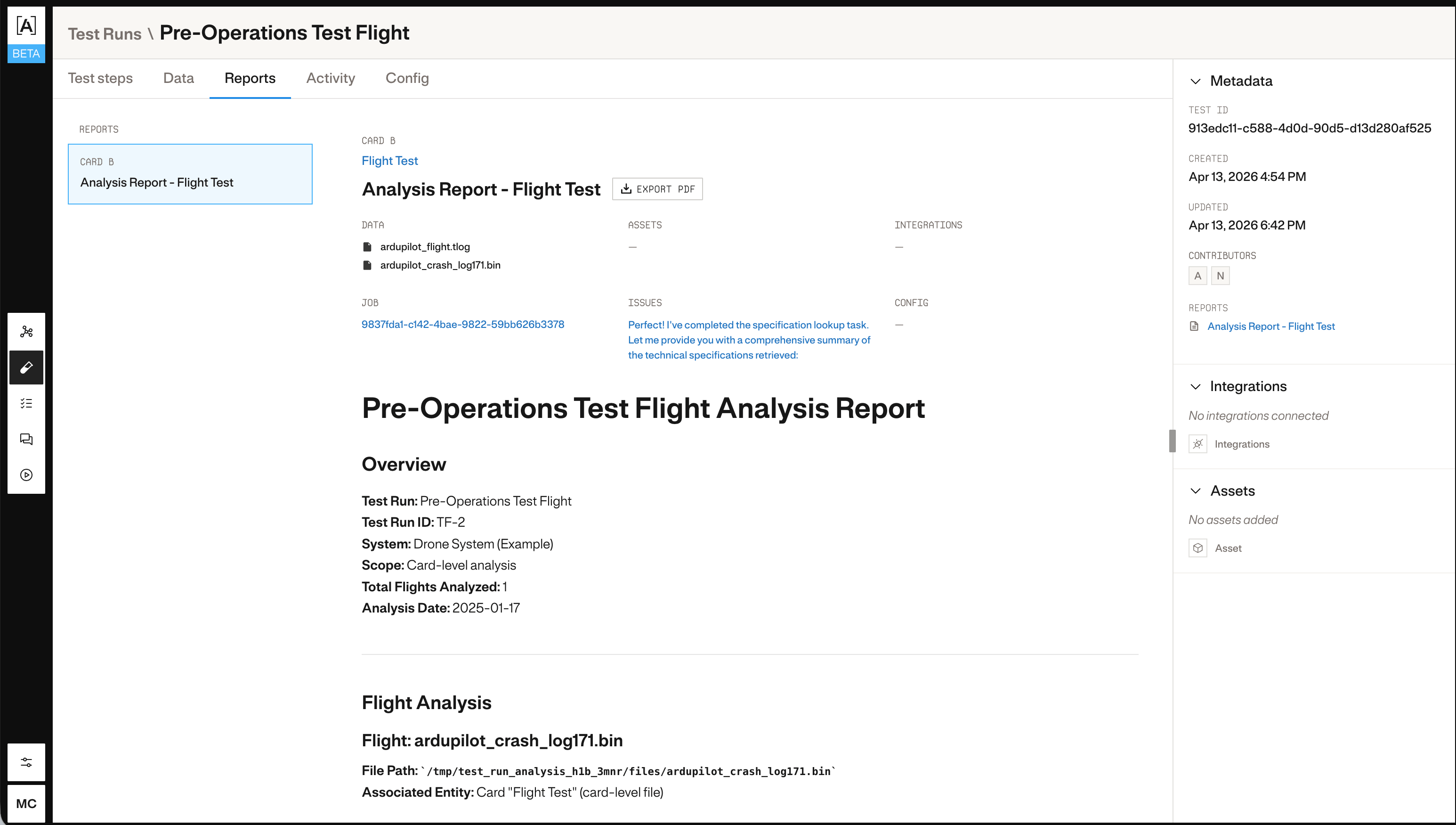
1. Create a test run
uuid from the response:
2. Register test data
Attach data files to the test run. Each file must already be in S3. Provide the S3 URL, file name, and size in bytes.3. Generate an analysis report
Once data is registered, trigger Atlas to analyze it:uuid from the response: