

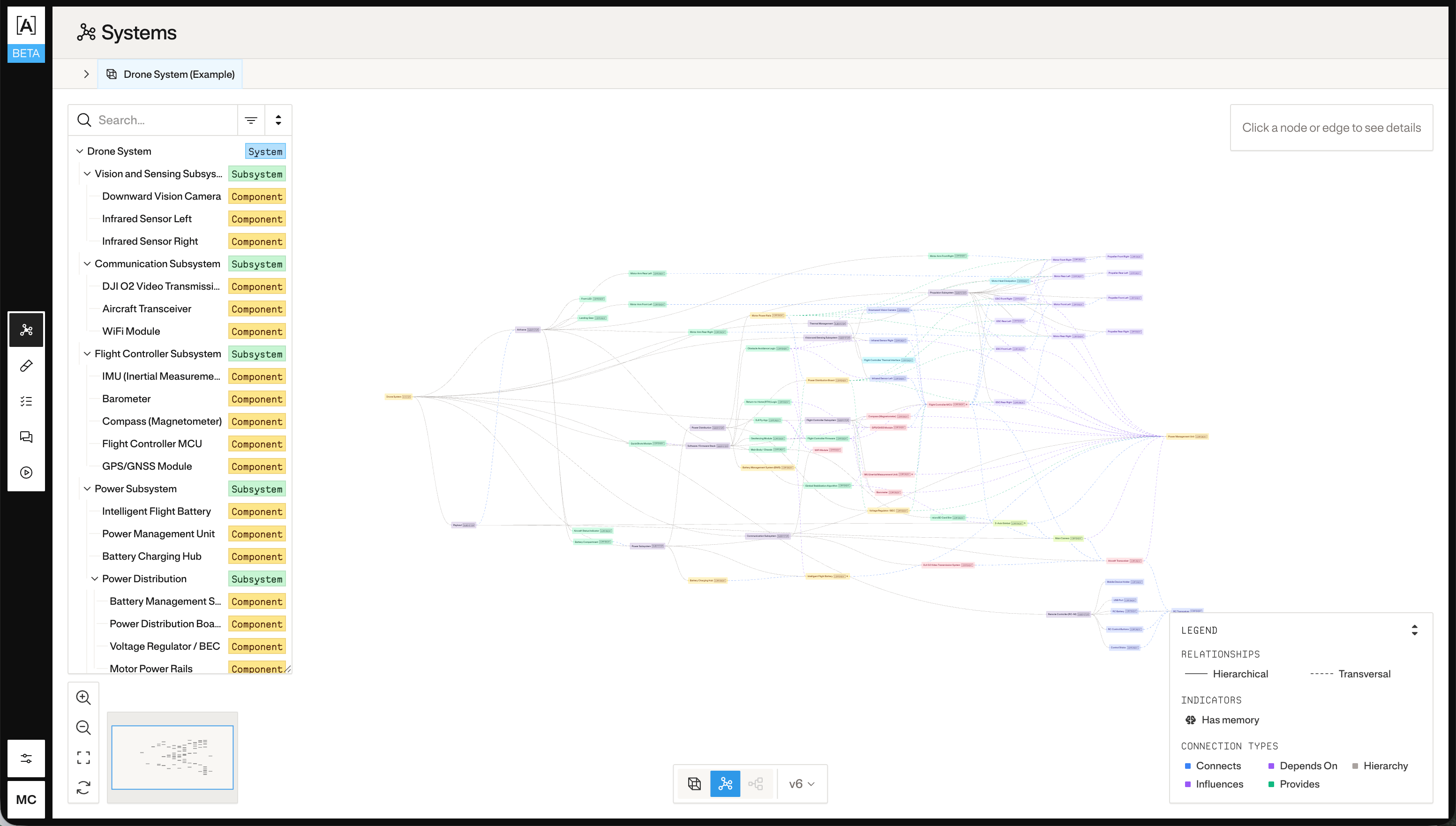
1. Upload documents to the system
Upload PDFs, schematics, specs, or any reference files that describe your system. Atlas will use these to build the metagraph.2. Create a metagraph update job
Create a job that instructs Atlas to read the uploaded documents and update the metagraph.uuid from the response:
additional_context is optional. Use it to scope or guide the analysis when you have a specific part of the system you want Atlas to model.
3. Start the job run
uuid from the response:
4. Poll for completion
status field will transition through pending → running → completed (or failed). Poll until you see a terminal state.